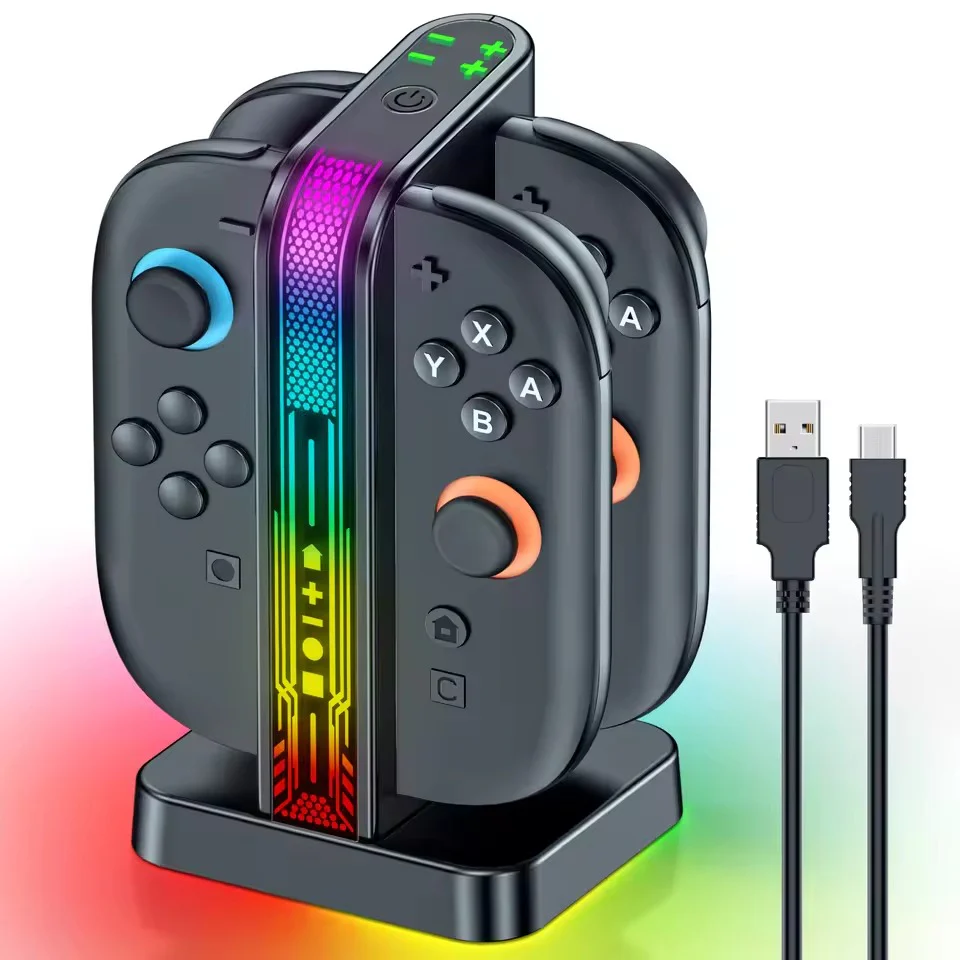
OIVO SW2 Controller Charging Dock for Nintendo Switch 2 (Black) (VG-SW207)
OIVO SW2 Controller Charging Dock for Nintendo Switch 2 (Black) (VG-SW207)
[Please Note] - Joycon controllers are not included and are only shown in images for illustrative purposes only.
-
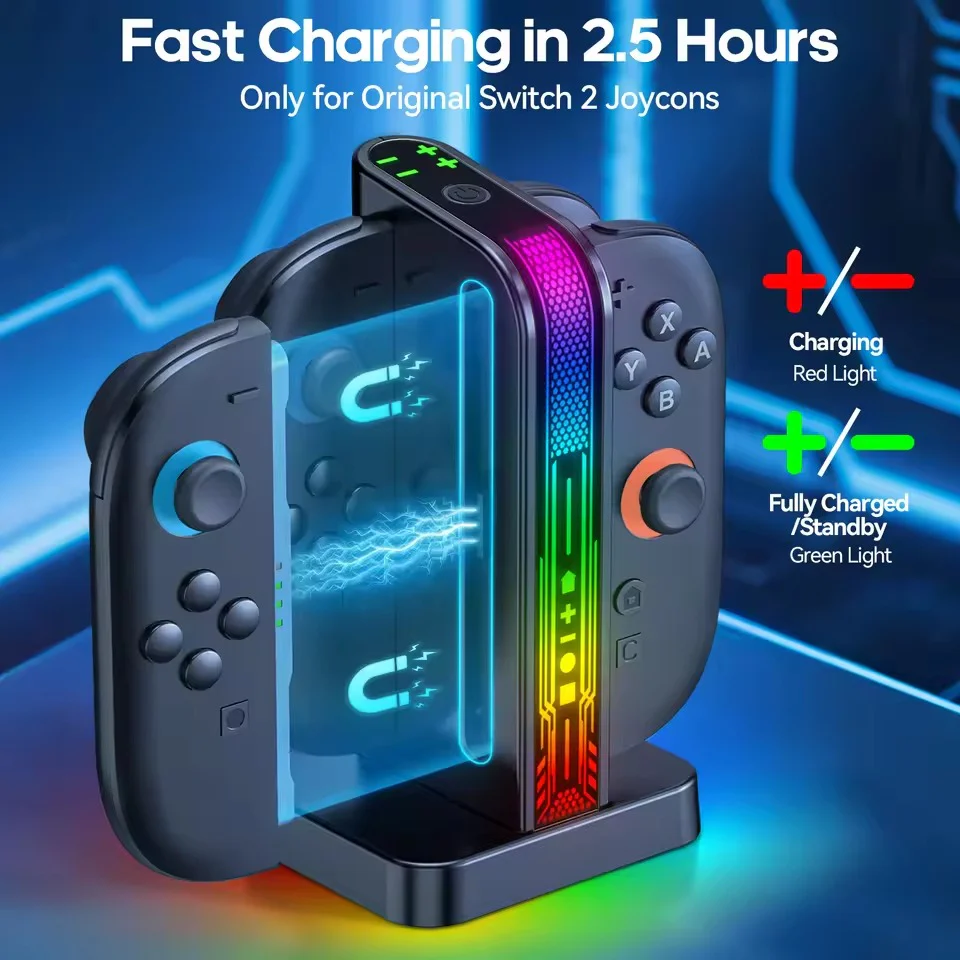
Only compatible with N-Switch 2nd-gen Joycons. NOT for 1st-gen N-Switch/OLED Version, NES controllers or other 3rd-party switch controllers.
-
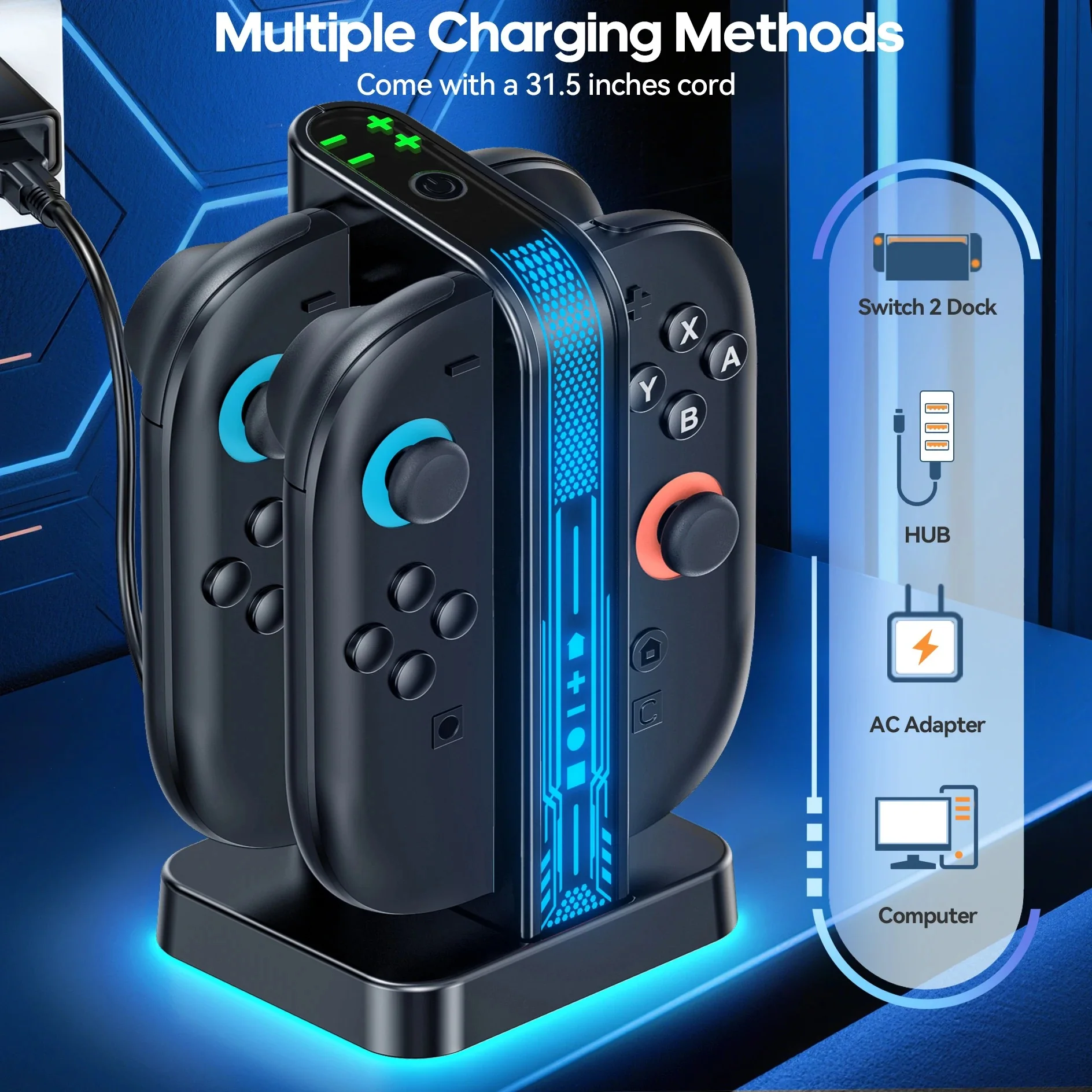
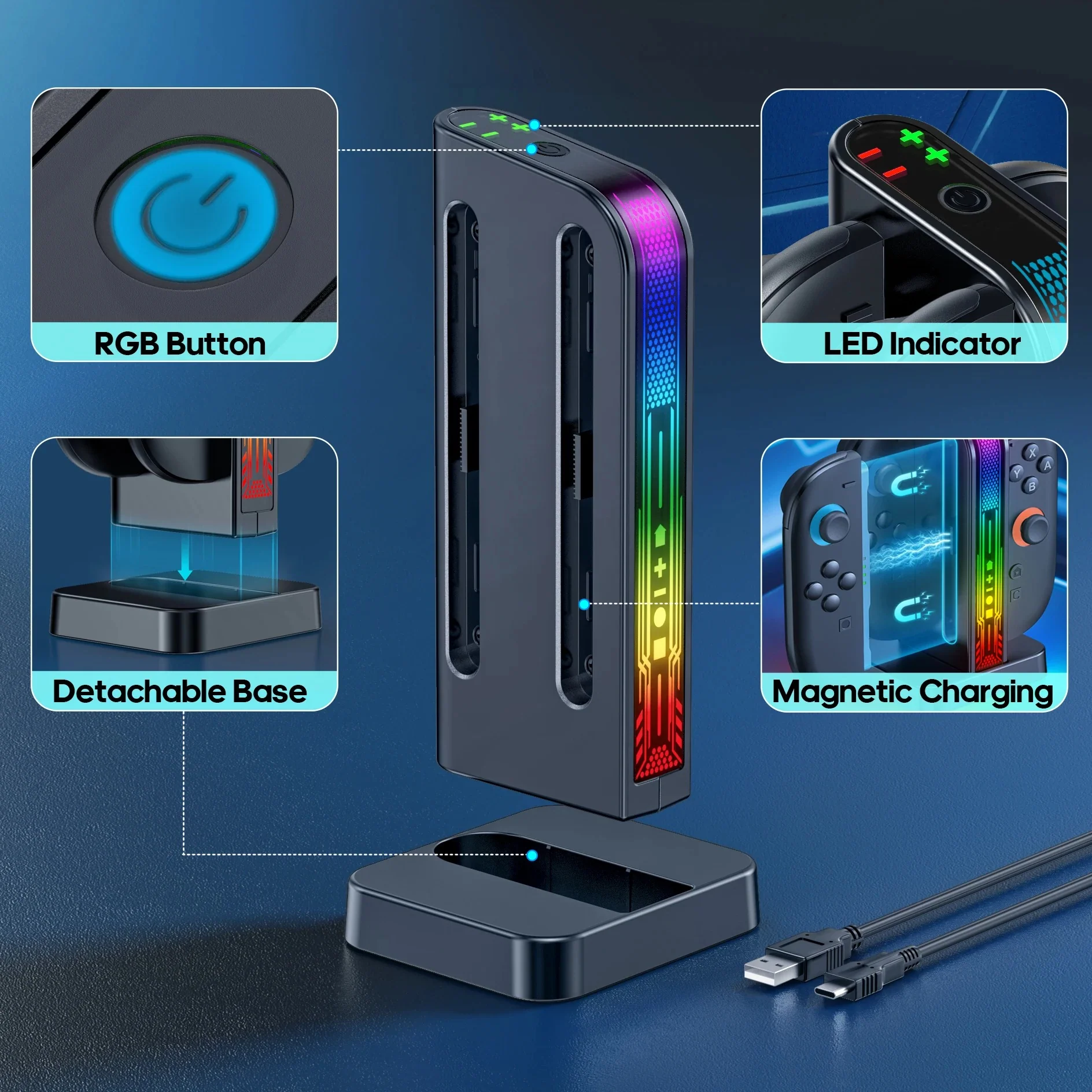
The charging ports are clearly marked with indicators: connect the L-Joycon to the "-" port and the R-Joycon to the "+" port. The dual-color LED light clearly shows the charging status: green means fully charged or no load, while red indicates charging in progress.
-
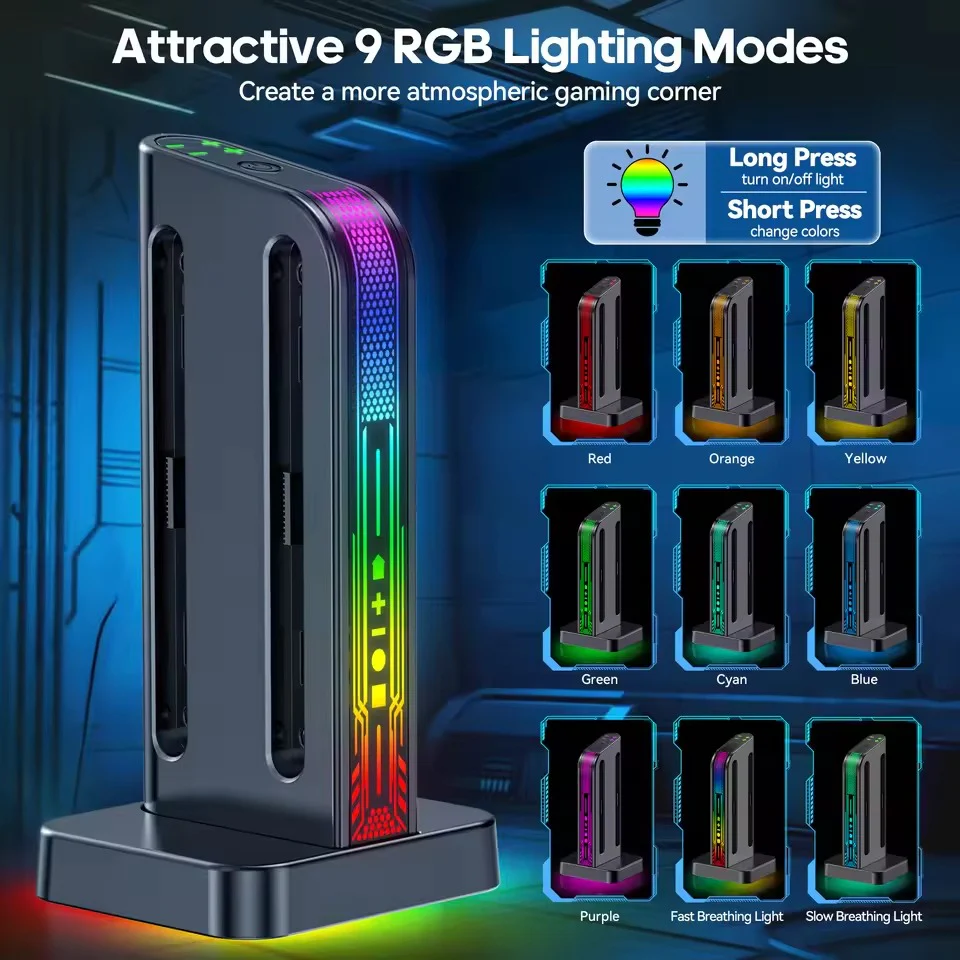
First, the breathing cycle mode with fast/slow pulse options creates different moods. Second, the solid-color mode provides seven choices (red, orange, yellow, green, cyan, blue, purple) to suit various tastes. To turn off lights, simply long-press the button.


Description
OIVO SW2 Controller Charging Dock for Nintendo Switch 2 (Black) (VG-SW207)
[Please Note] - Joycon controllers are not included and are only shown in images for illustrative purposes only.
-
Only compatible with N-Switch 2nd-gen Joycons. NOT for 1st-gen N-Switch/OLED Version, NES controllers or other 3rd-party switch controllers.
-
The charging ports are clearly marked with indicators: connect the L-Joycon to the "-" port and the R-Joycon to the "+" port. The dual-color LED light clearly shows the charging status: green means fully charged or no load, while red indicates charging in progress.
-
First, the breathing cycle mode with fast/slow pulse options creates different moods. Second, the solid-color mode provides seven choices (red, orange, yellow, green, cyan, blue, purple) to suit various tastes. To turn off lights, simply long-press the button.