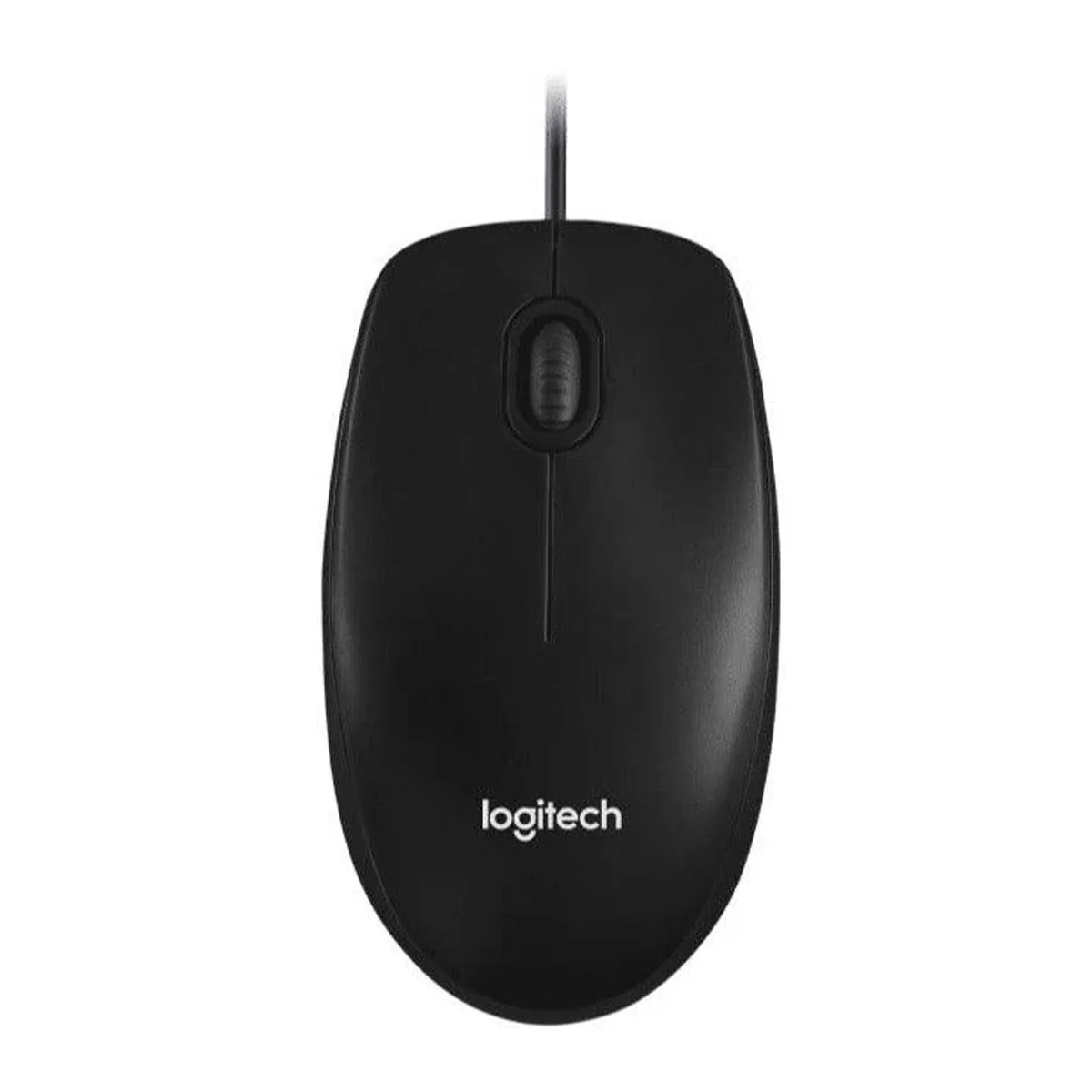
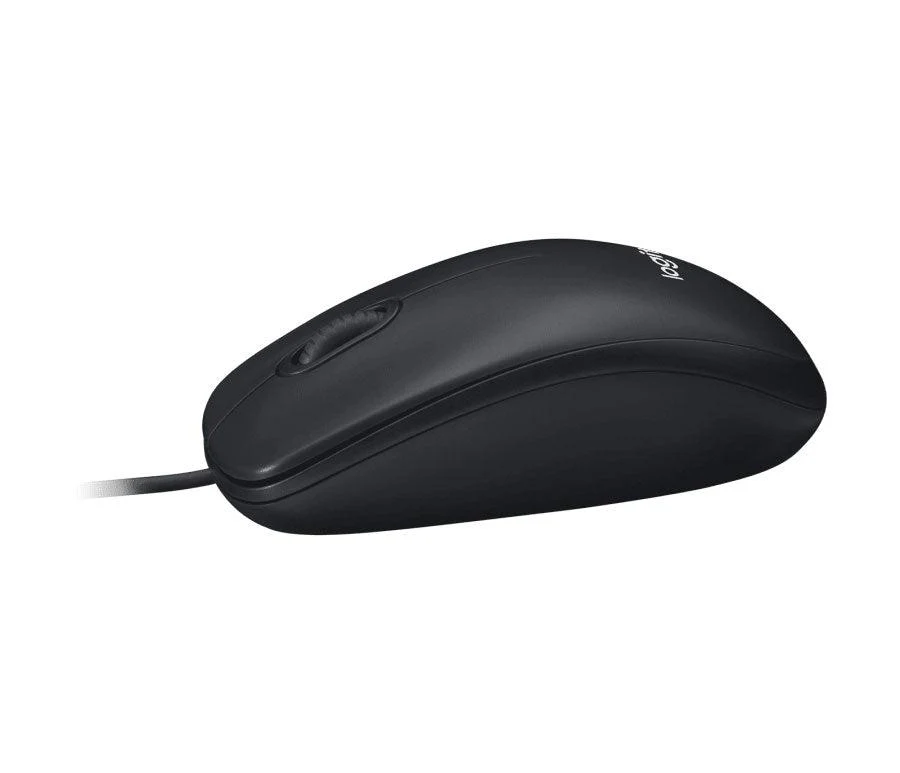
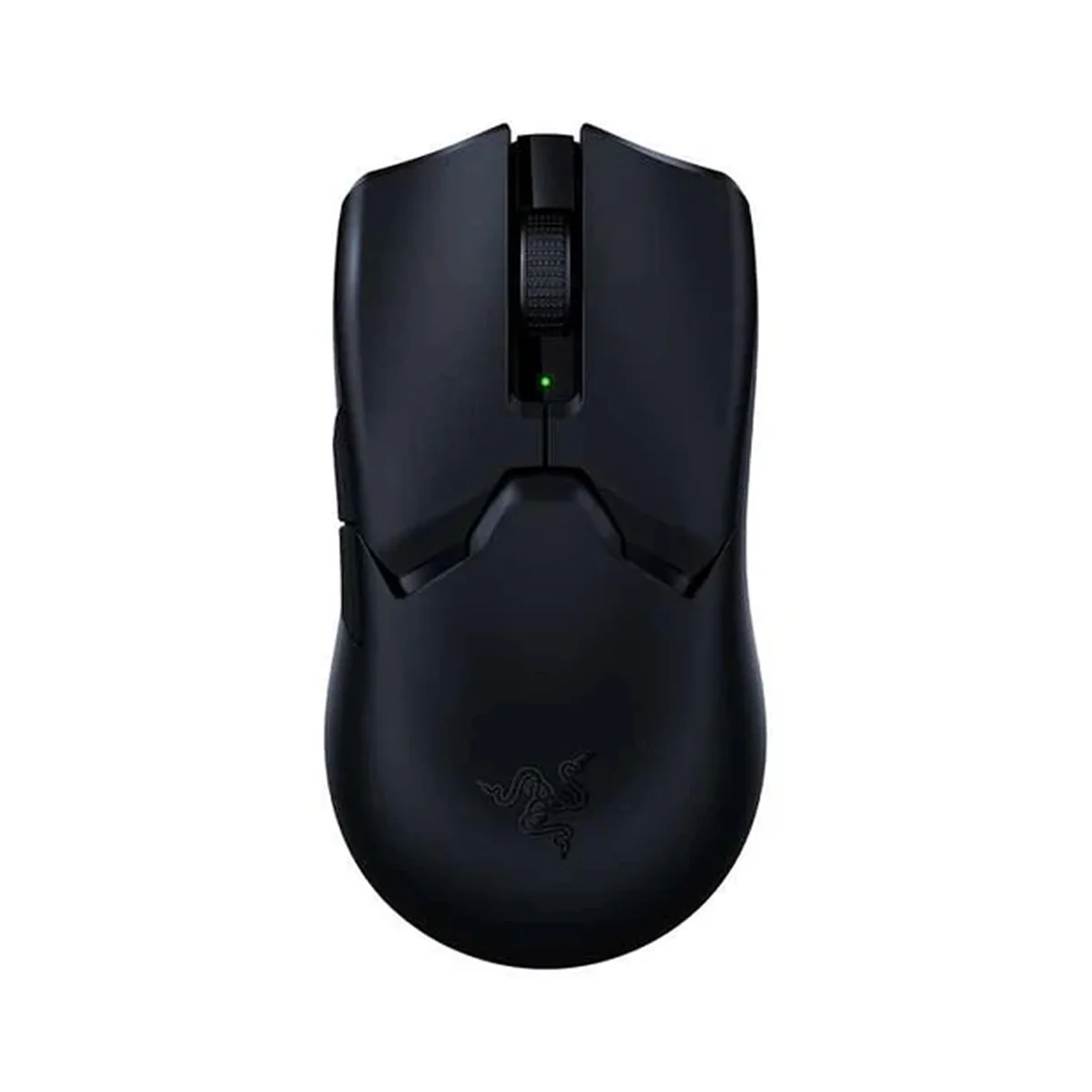
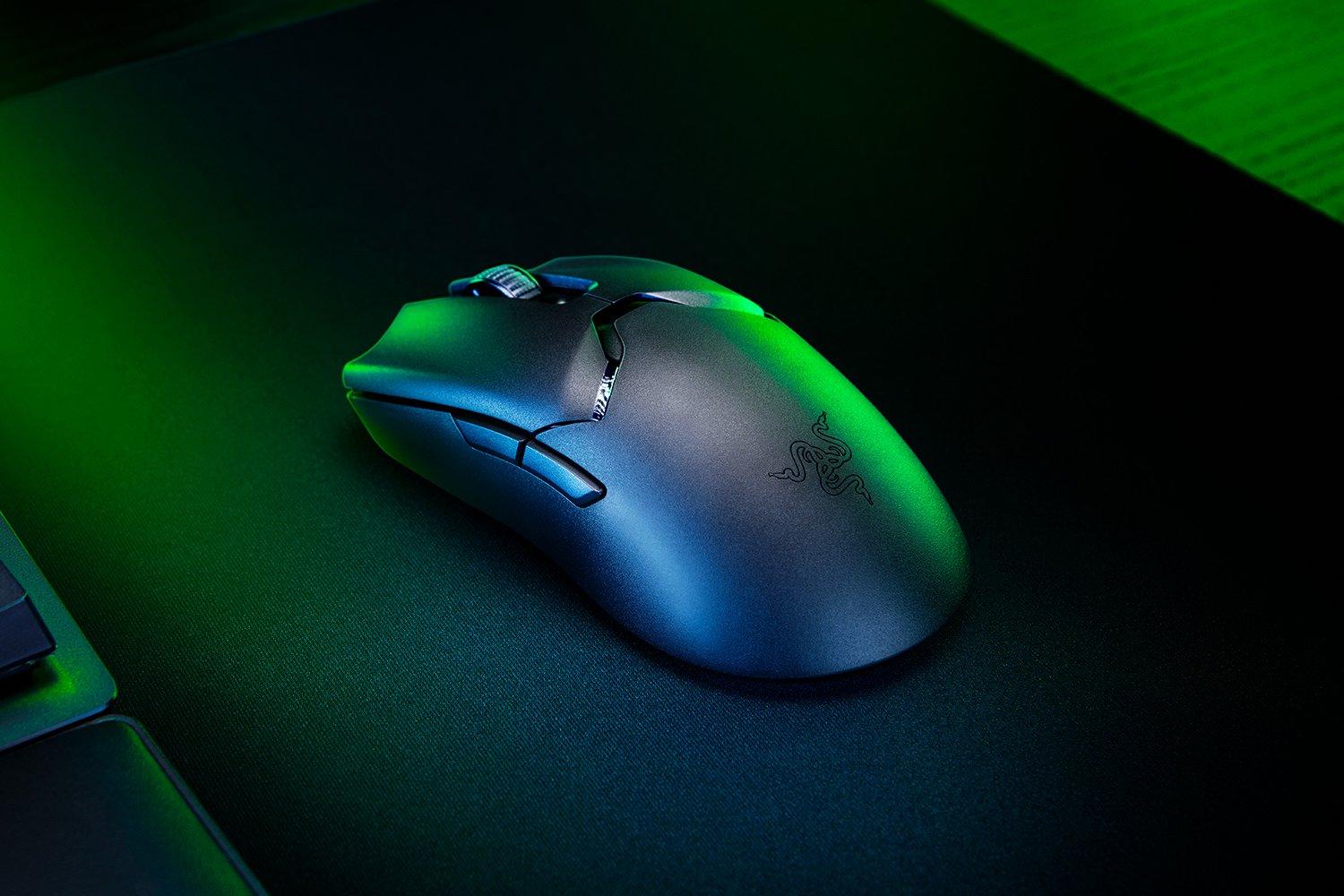
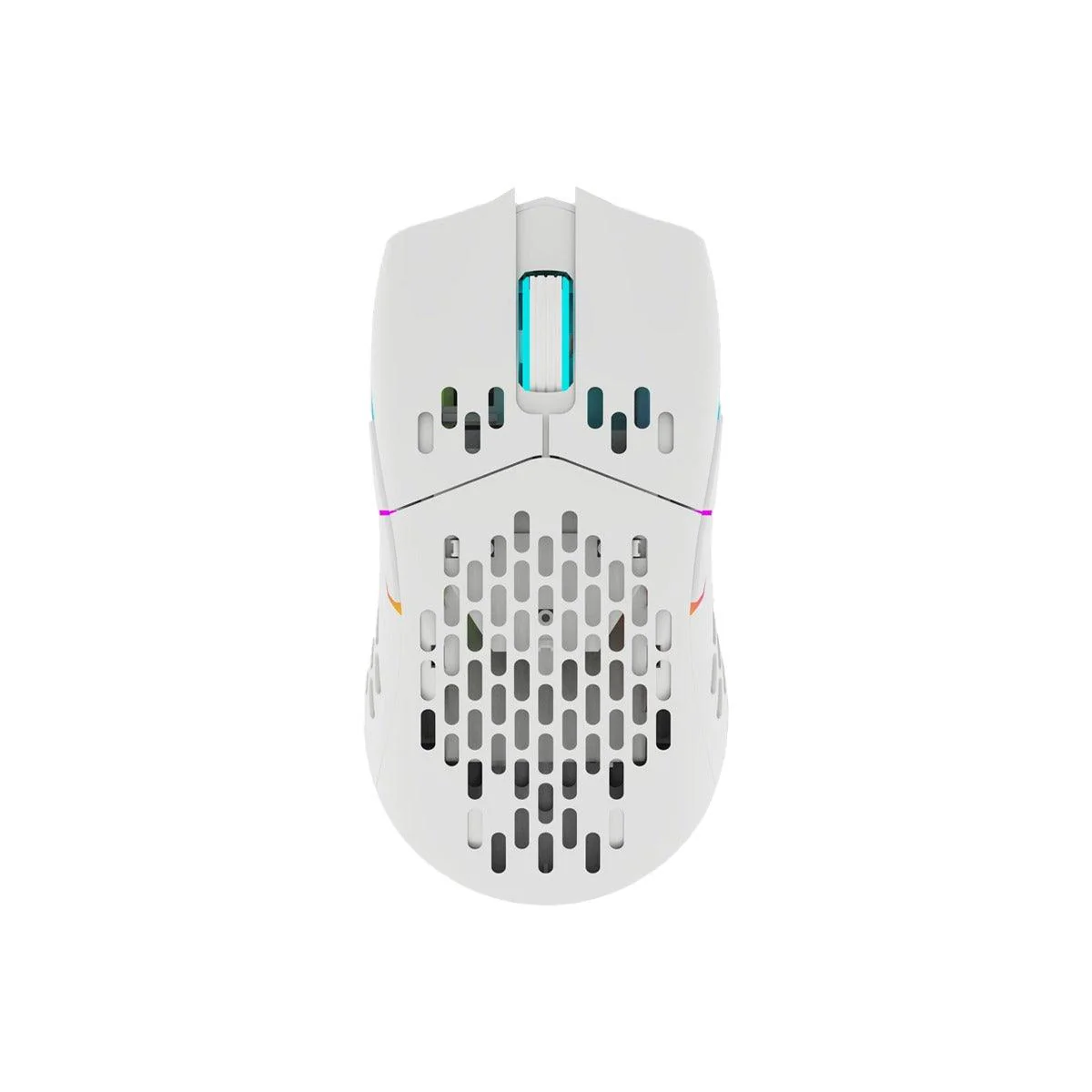
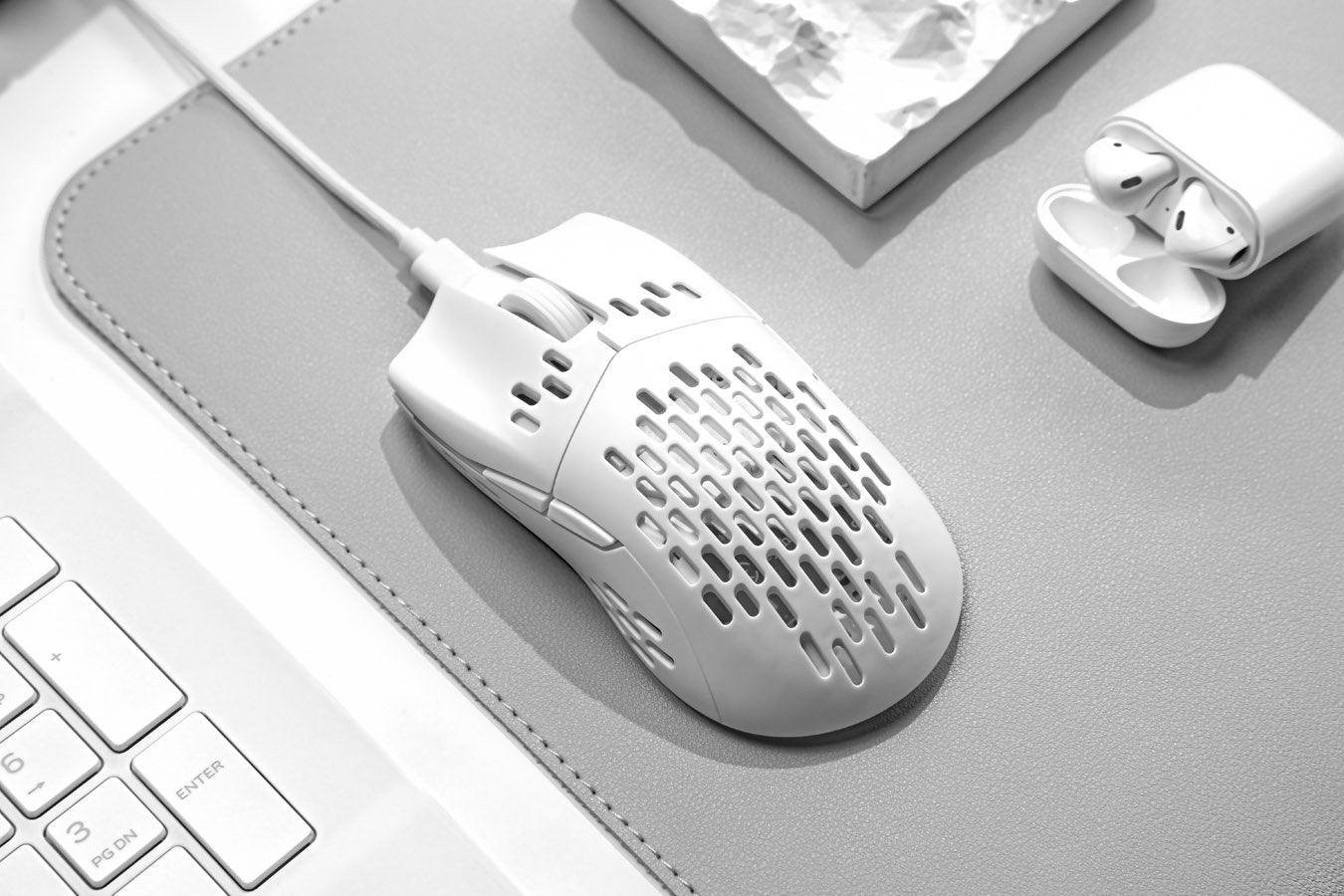
E-Yooso E-1060 Wireless Optical Mouse (White/Red)

Feature of product
●2.4G working frequency, strong versatility, transmission distance up to 10 meters
●Using the original high-end mainstream chip 3065-XY, the power consumption is lower, the cursor is more stable, and the passing ability is stronger
●800-1200-1600 three-speed hardware CP switching function, press the cP| key of the mouse to switch the speed you like at will
●Use infrared LED as the light source for mobile tracking
●Multi-level power saving mode, maximum battery energy saving
●Nano receiver, plug and play
Product use
1. Take out the wireless mouse and receiver from the box
2. Insert the Nano receiver into the UsB interface of the host
3. Put 1 PCS AA alkaline dry battery into the mouse according to the correct polarity
4. Now you can use the wireless mouse
Advanced product features
1. CPI adjustment function
The mouse has a three-speed CPI adjustment of 800-1200-1600. The power-on default is 1200CPI. Such as If you want to switch to other speeds, please press the left and right buttons of the mouse at the same time for 3 seconds Switch CPI, you can switch between these three gears, until you like the speed.
Original: $4.20
-70%$4.20
$1.26


Description
Feature of product
●2.4G working frequency, strong versatility, transmission distance up to 10 meters
●Using the original high-end mainstream chip 3065-XY, the power consumption is lower, the cursor is more stable, and the passing ability is stronger
●800-1200-1600 three-speed hardware CP switching function, press the cP| key of the mouse to switch the speed you like at will
●Use infrared LED as the light source for mobile tracking
●Multi-level power saving mode, maximum battery energy saving
●Nano receiver, plug and play
Product use
1. Take out the wireless mouse and receiver from the box
2. Insert the Nano receiver into the UsB interface of the host
3. Put 1 PCS AA alkaline dry battery into the mouse according to the correct polarity
4. Now you can use the wireless mouse
Advanced product features
1. CPI adjustment function
The mouse has a three-speed CPI adjustment of 800-1200-1600. The power-on default is 1200CPI. Such as If you want to switch to other speeds, please press the left and right buttons of the mouse at the same time for 3 seconds Switch CPI, you can switch between these three gears, until you like the speed.